

Networks & Wi-Fi
Wi-Fi for where you actually sit.
Most routers end up wherever the internet comes in, usually the garage. Concrete block and coated hurricane glass do the rest. I plan the Wi-Fi around your floor plan instead, then wire it so it stays put.
- Free 15-minute call
- $150 visit, credited
Free 15-minute call · On-site assessment $150, credited toward your project.


Sound familiar?
Problems you’ll recognize
- 01
The lanai and pool deck
The call freezes the moment you step outside. Block walls and impact glass stop a lot of signal, so the yard needs its own access point.
- 02
The upstairs office
Video calls stutter in the room farthest from the router, usually the one you work in.
- 03
Mesh that never quite worked
Extra pucks that relay Wi-Fi over Wi-Fi help a little, then share airtime with everything else in the house.
- 04
Streaming that stalls
The TV buffers at the good part, even on a fast internet plan. Often the fix is a cable, not a faster plan.
3:30 PM · Try it
Flip the switch on the lanai call
Same house, two setups. Try moving the router or adding a mesh kit first, then see how I’d set it up. The signal here is modeled, not measured.
Spend the whole day in the houseThe call that freezes on the lanai
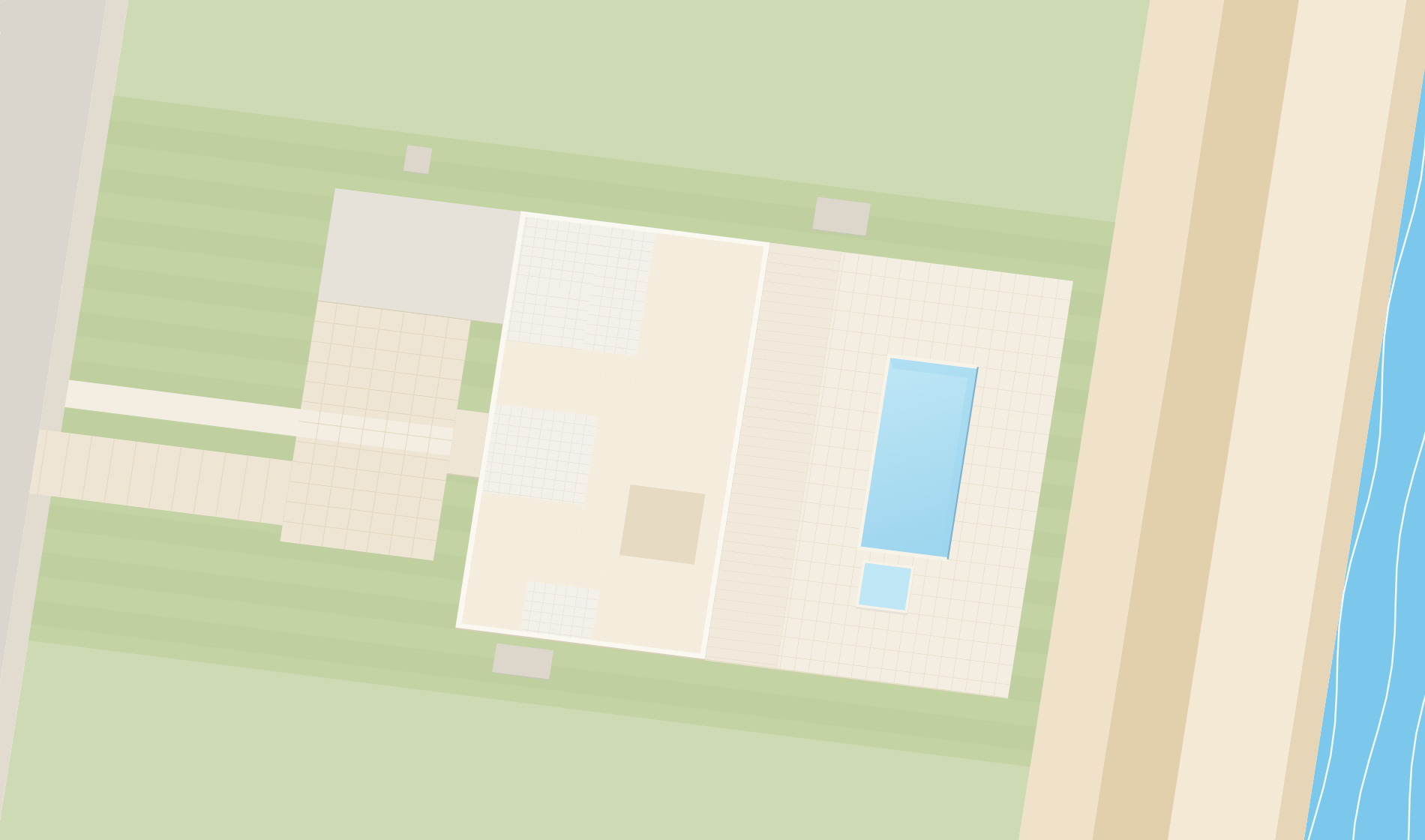
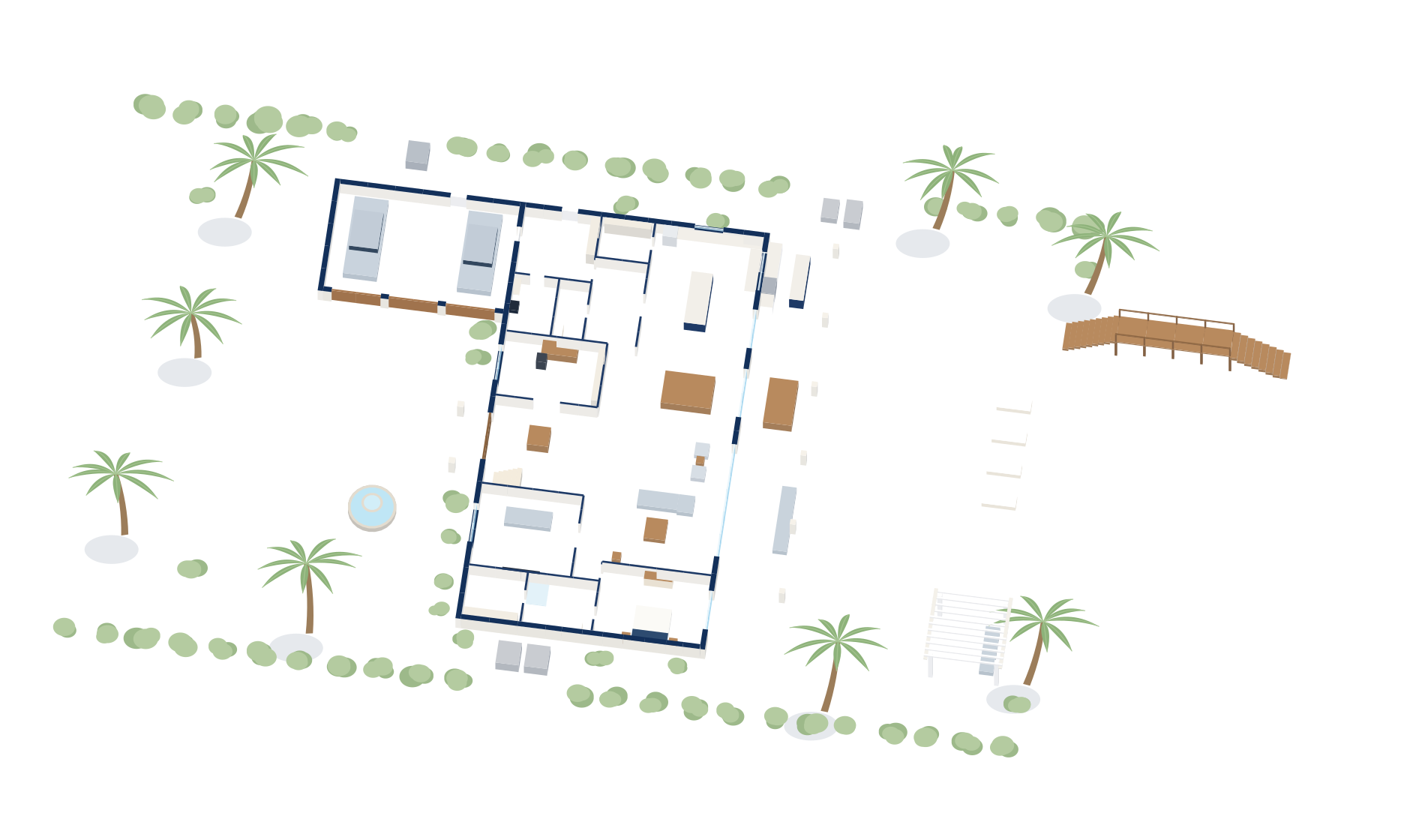
The approach
How I set up Wi-Fi
- Step 1
Walk the house first
I look at where you sit, where the line comes in and what the walls are made of, and I check where the signal really drops.
- Step 2
Access points where you sit
Small ceiling access points in the rooms you use, plus one outside the block wall for the lanai and pool deck when you need it.
- Step 3
Wired back to one closet
Each access point gets its own cable back to the gateway and switch, so nothing relays Wi-Fi over Wi-Fi.
- Step 4
Check it after
Once it’s installed I walk the house again and make sure the spots that were bad before are good now.
What you get
- A plan for where each access point goes, and why
- A network that covers the rooms and outdoor spaces you use
- Guests and smart gadgets on their own Wi-Fi name, if you want that
- A labeled closet and a short document of what’s installed
- One local person to call when something changes
Pricing
On-site assessment
$150
Credited toward your project.
The first 15-minute call is free. Projects are quoted in writing before any work starts.
The kind of gear I install
Product photos for reference, not from a client job. I choose the gear for each house.
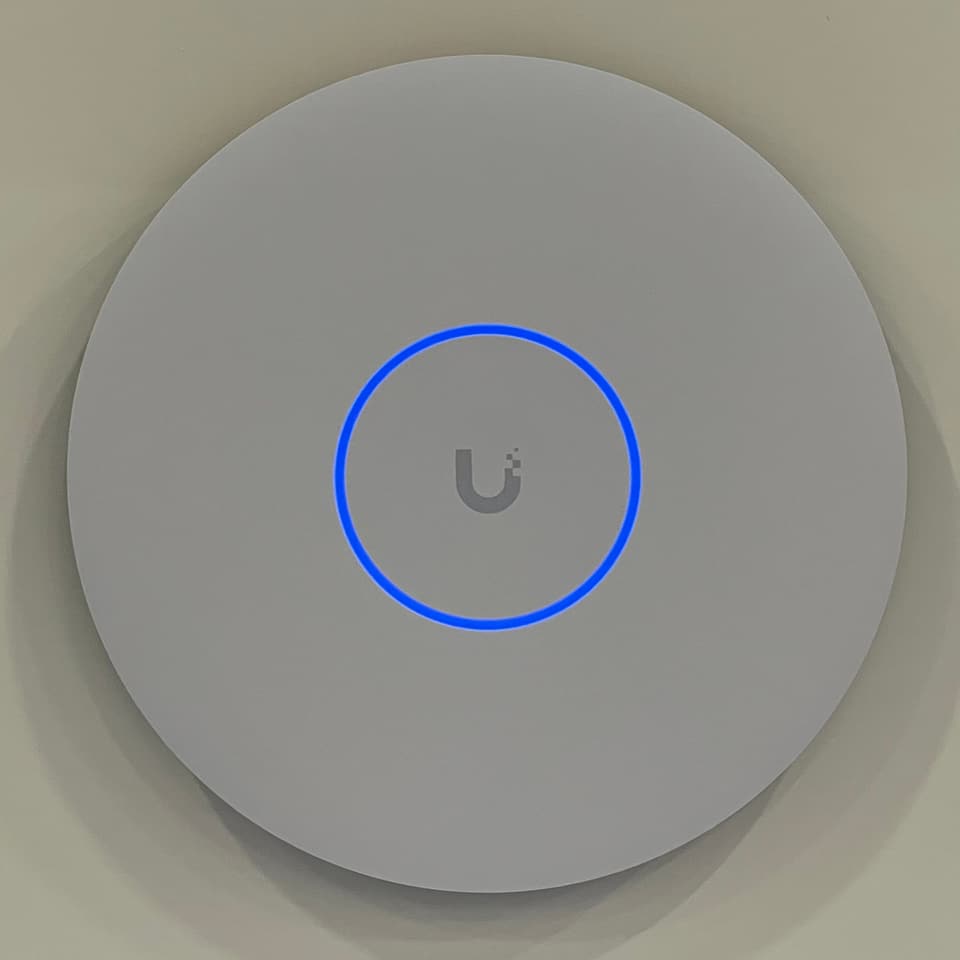
Ceiling access point
Photo: TaurusEmerald, CC BY-SA 4.0
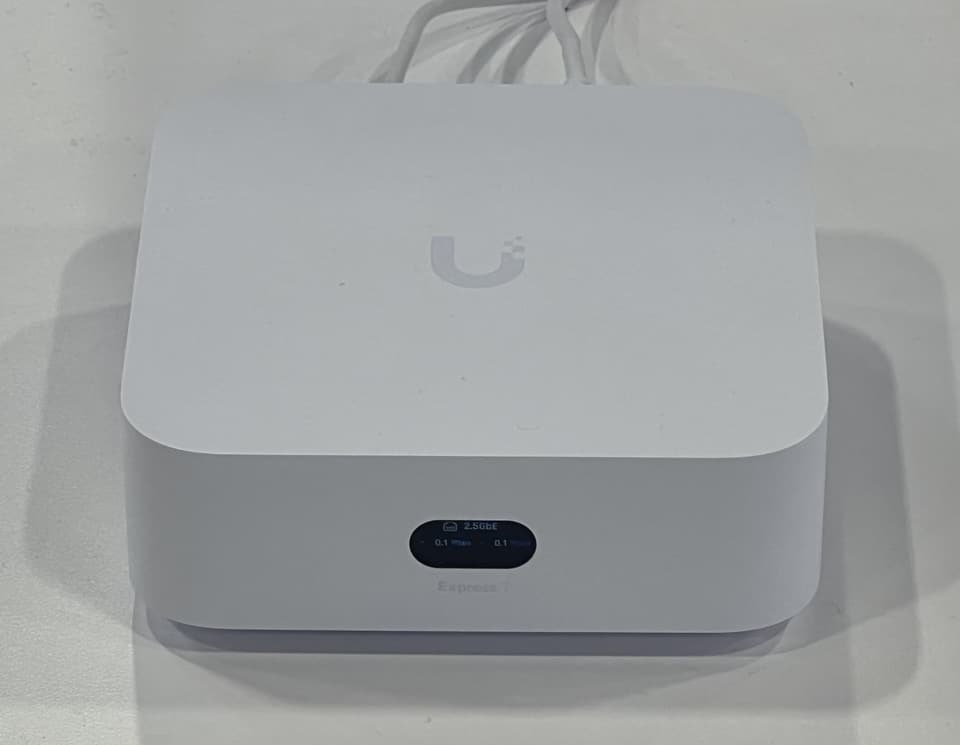
Compact gateway
Photo: TaurusEmerald, CC BY-SA 4.0
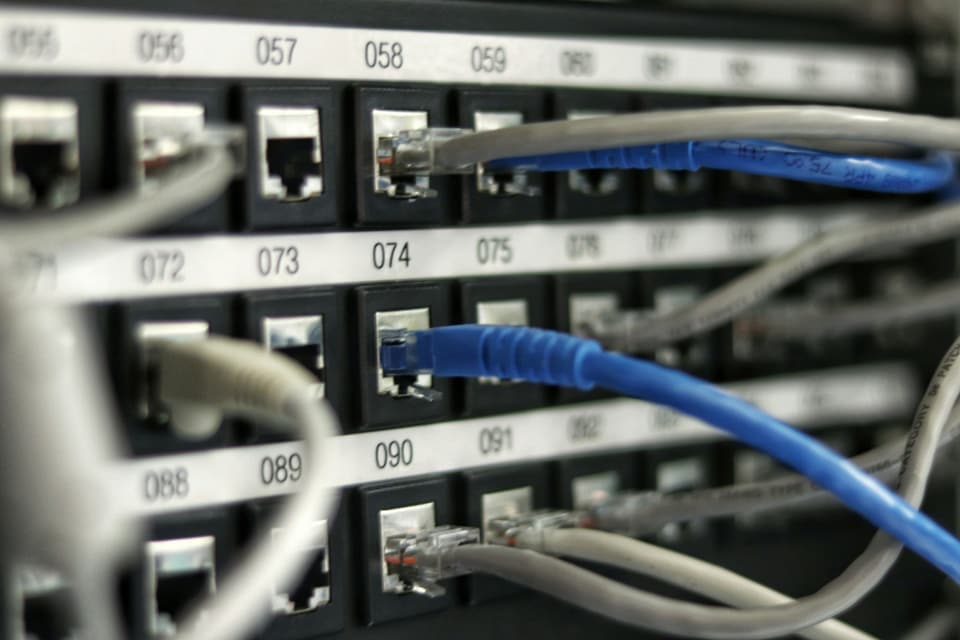
Patch panel in the closet


Questions
Straight answers
Will a new router fix my Wi-Fi?
Can you get Wi-Fi to the lanai and pool deck?
Do I need to change my internet provider?
Can you work with the equipment I already have?
What does a visit cost?
The other four


Let’s fix the Wi-Fi for good.
Tell me what’s going on. The first 15-minute call is free, and I’ll tell you honestly whether a visit makes sense.