

Design & Installation
Often the fix is a cable in the attic.
Building, renovating or just tired of a shelf of blinking boxes? I plan where the cables and equipment go, install them cleanly, and leave you a map of every run.
- Free 15-minute call
- $150 visit, credited
Free 15-minute call · On-site assessment $150, credited toward your project.
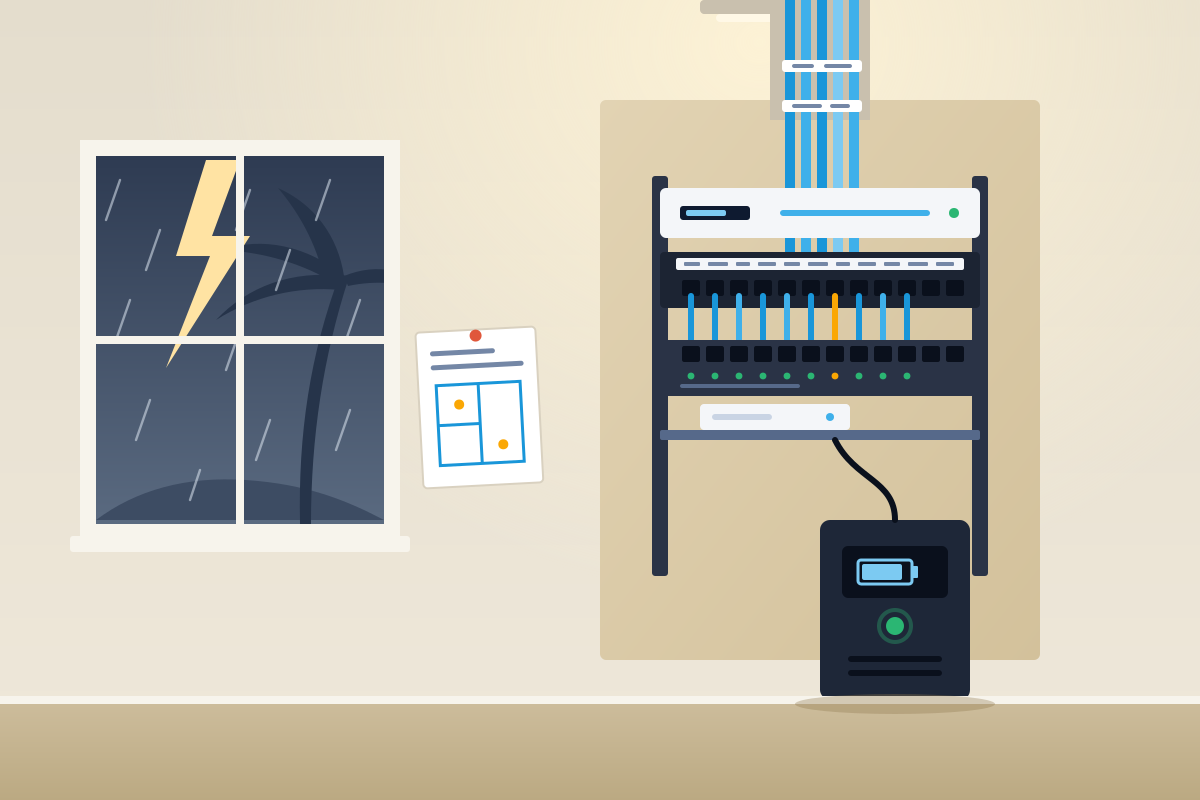
Sound familiar?
Where a plan helps most
- 01
New builds and renovations
The walls are open once. That is the time to run cable to the TV, the office and the ceilings.
- 02
A shelf of blinking boxes
Modem, router, extenders and switches stacked in a closet with no labels and no battery backup.
- 03
The TV that buffers
The TV is the farthest thing from the router and shares the air with every phone in the house.
- 04
Nobody knows what’s where
Cables disappear into the wall and nobody remembers where they come out.
7:45 PM · Try it
Try movie night both ways
See what a cable to the TV and an access point in the great room change. The signal here is modeled, not measured.
Spend the whole day in the houseThe approach
How I design and install
- Step 1
Decide what gets a cable
The TV, the desk and every access point usually do. The rest can stay on Wi-Fi.
- Step 2
One tidy closet
Gateway, switch and patch panel in one labeled spot, with room to grow.
- Step 3
Clean installs
Ceiling-mounted access points, wall plates where they belong, and no cables stapled along the baseboard.
- Step 4
A map of every run
You get a labeled plan of what goes where, so the next change is easy.
What you get
- A plan for cables, access points and the equipment closet
- Clean, labeled installation
- A map of every cable run
- A network you can add to later without starting over
Pricing
On-site assessment
$150
Credited toward your project.
The first 15-minute call is free. Projects are quoted in writing before any work starts.
Neat is part of the job
Reference photos, not from a client job.
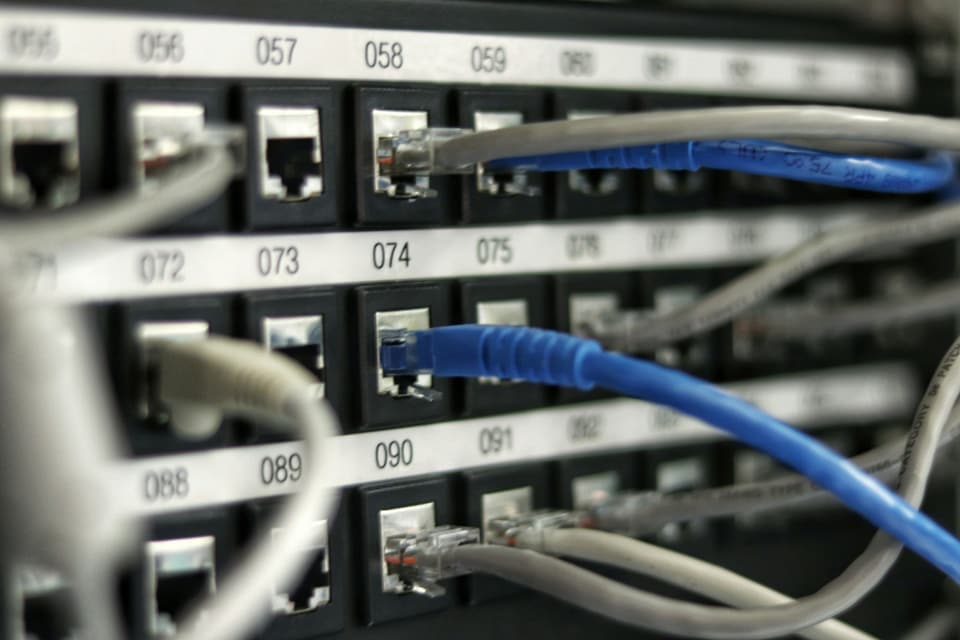
Labeled patch panel
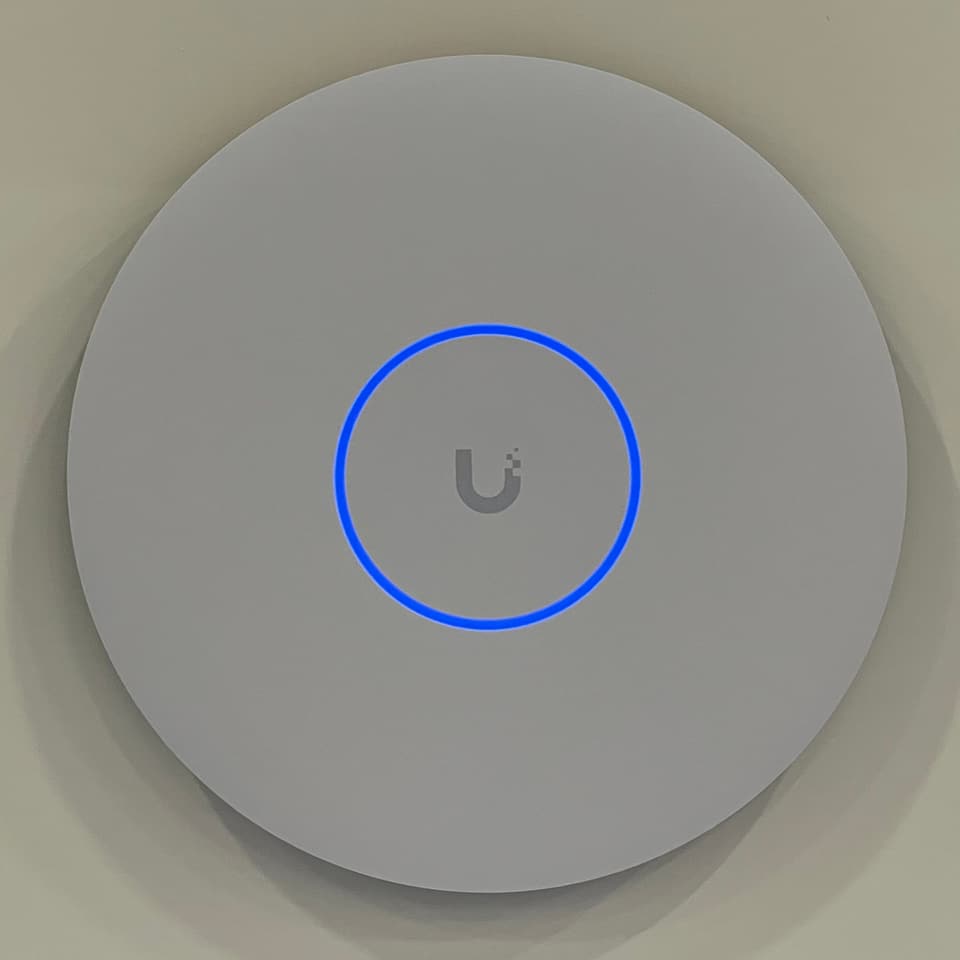
Ceiling access point
Photo: TaurusEmerald, CC BY-SA 4.0


Questions
Straight answers
Do you pre-wire new construction?
Can you run cable in a finished house?
What does a visit cost?
The other four


Let’s plan it before the walls close.
Tell me what’s going on. The first 15-minute call is free, and I’ll tell you honestly whether a visit makes sense.