

Smart Homes
Goodnight is one button, not five apps.
Lights, shades, climate, audio and locks that work together and still make sense to everyone in the house. The wall switches keep doing what people expect.
- Free 15-minute call
- $150 visit, credited
Free 15-minute call · On-site assessment $150, credited toward your project.
Sound familiar?
Five apps, one house
- 01
An app for everything
One app for the lights, one for the thermostat, one for the garage and one for the cameras, and nobody remembers which is which.
- 02
Gadgets that drop off
Smart plugs and bulbs that go offline every week, usually because the Wi-Fi under them is weak.
- 03
The nightly walk-around
Checking every light, the garage and the front door by hand before bed.
- 04
Guests who can’t turn on a light
A smart home should be easier for visitors, not harder.
3:06 AM · Try it
Say goodnight to the house
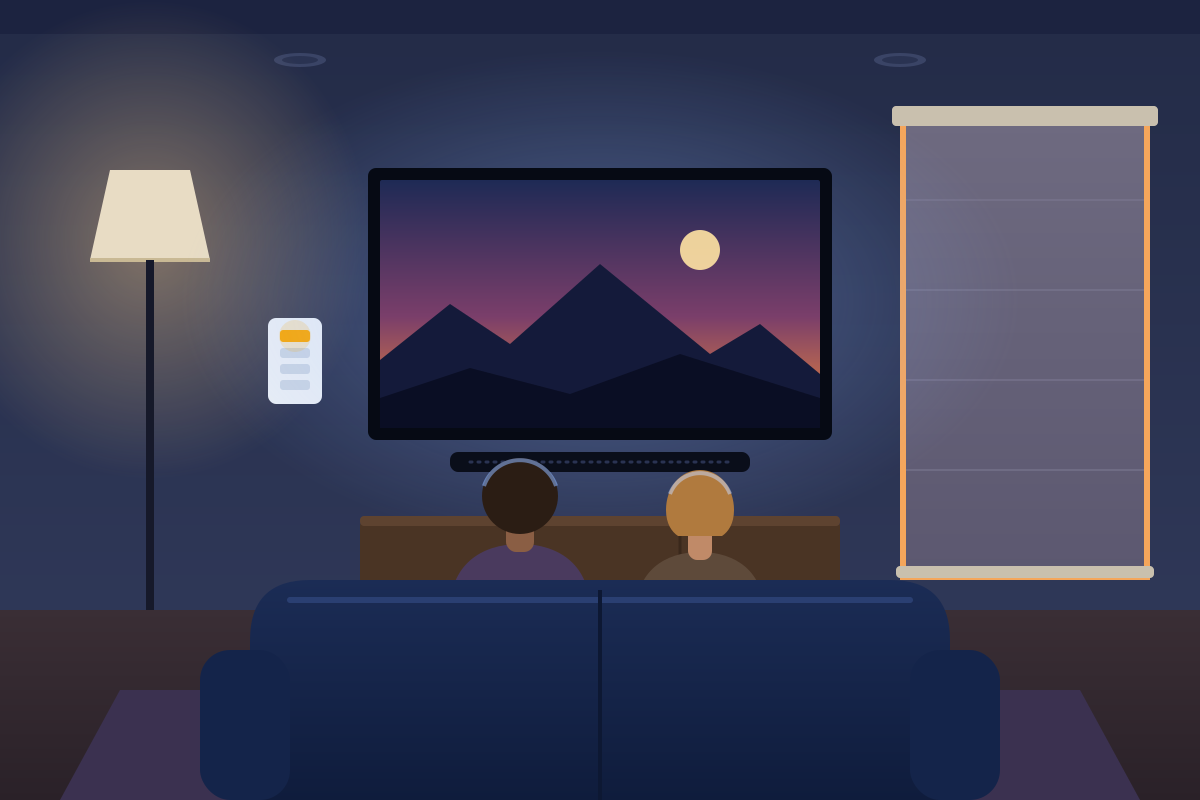
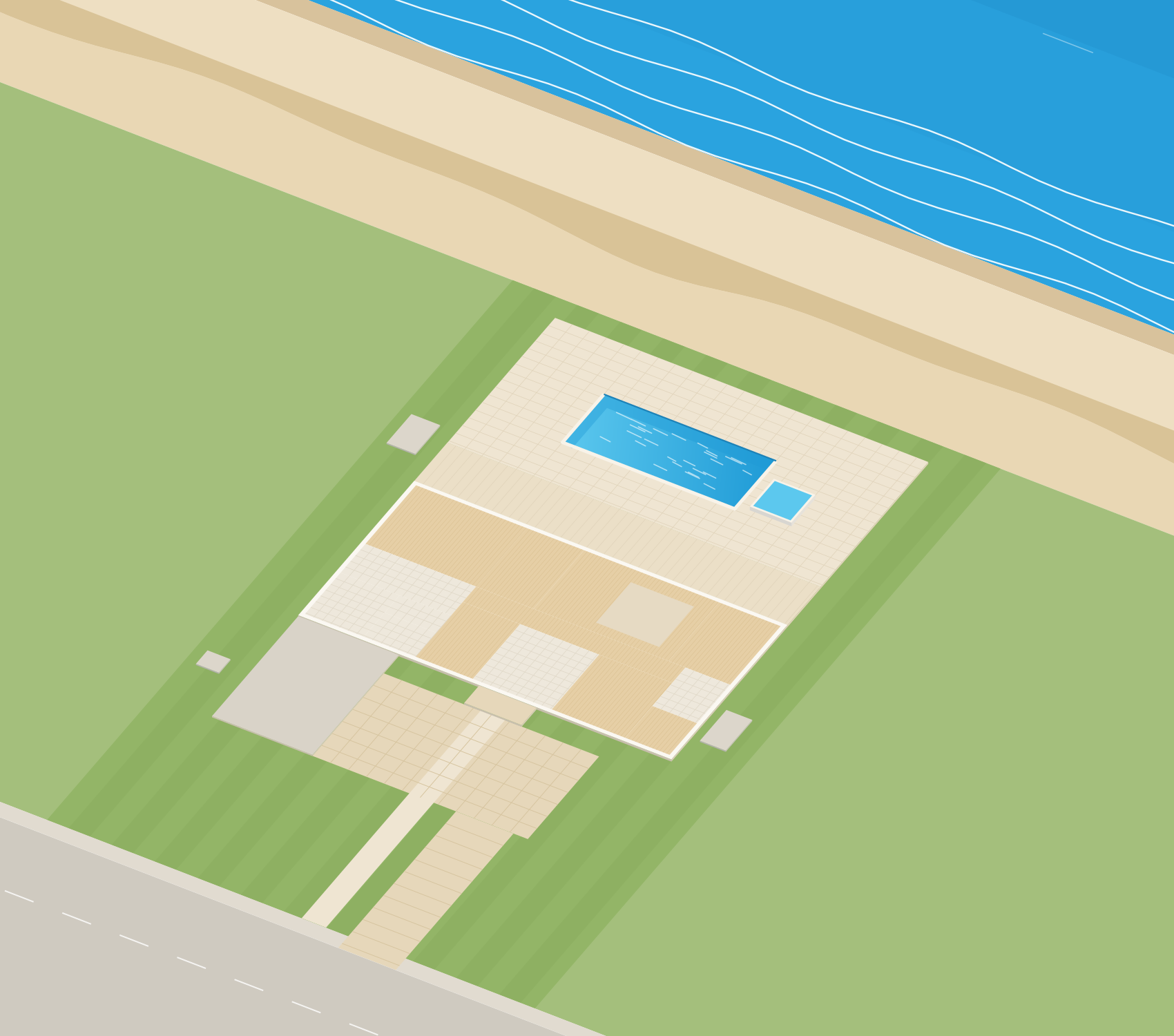
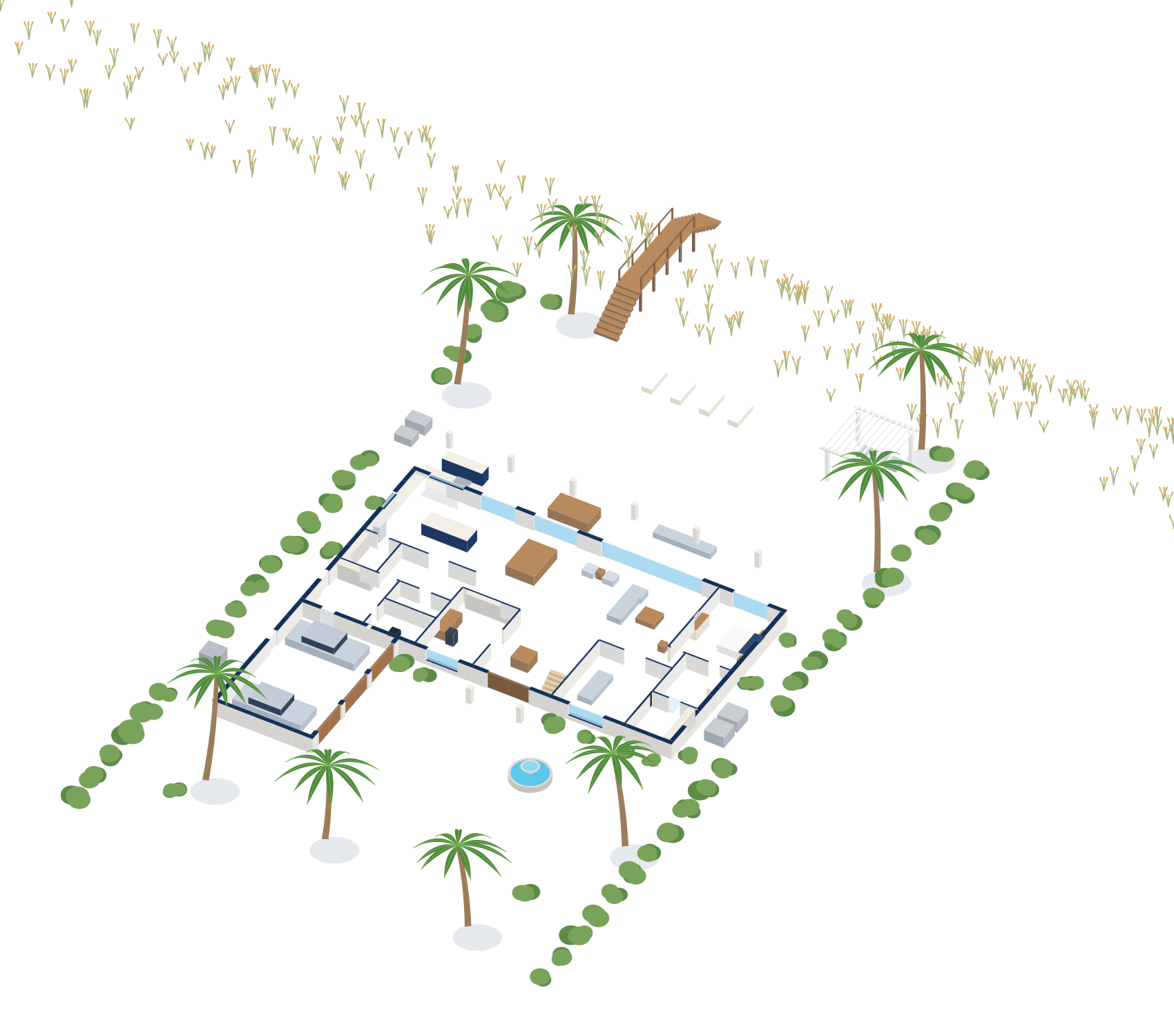
Try the one-button version and the walk-around version. The house is made up; the setup is the kind I do.
Spend the whole day in the houseGoodnight, in one button
The approach
How I set up a smart home
- Step 1
Start with the network
Smart devices are only as reliable as the Wi-Fi under them, so I make sure that’s solid first.
- Step 2
A few scenes that matter
Good Morning, Movie Night, Away and Goodnight, built around how your family actually lives.
- Step 3
Switches still work
Everything keeps working from the wall, so nobody needs a phone to turn on a light.
- Step 4
Before you buy anything
I’ll tell you what works with what you already have, so you don’t end up with another app.
What you get
- Lighting, climate, shades and audio that work together
- A handful of scenes that run on a button, a schedule or sunset
- One place to control it all, plus the wall switches
- A short guide for everyone in the house
Pricing
On-site assessment
$150
Credited toward your project.
The first 15-minute call is free. Projects are quoted in writing before any work starts.
Real gear, real rooms
Stock photos for reference, not from a client job.
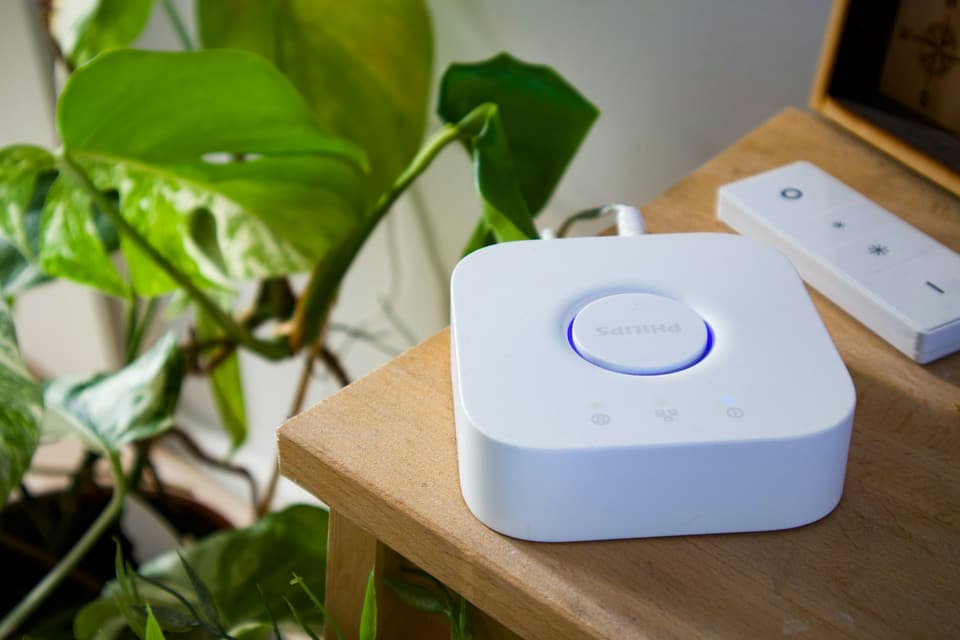
A lighting hub and remote
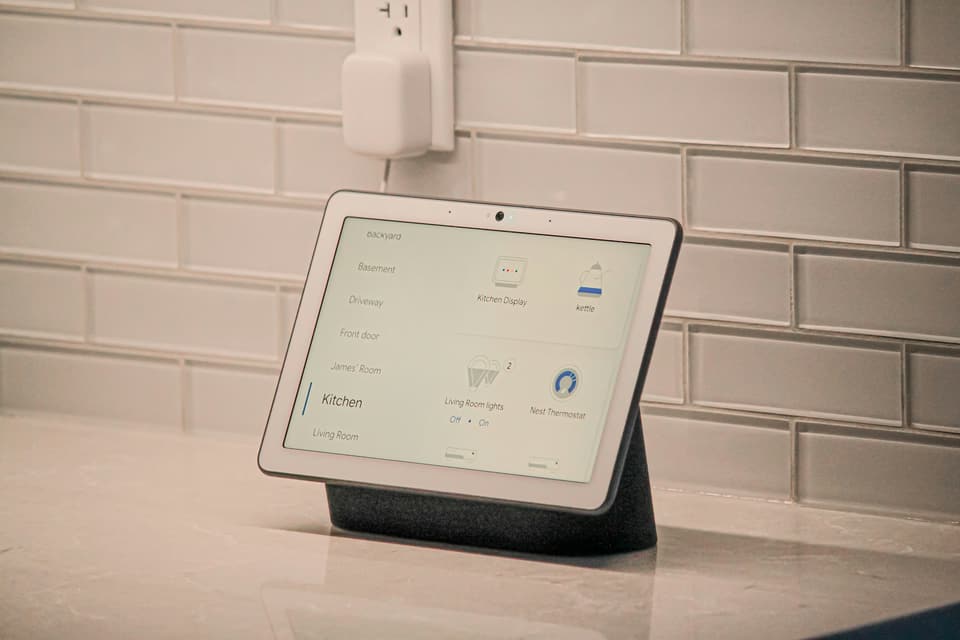
A kitchen display


Questions
Straight answers
Do I have to replace everything I already own?
Will it still work if the internet goes down?
Can my family use it without the app?
What does a visit cost?
The other four
- Networks & Wi-FiWi-Fi designed around your floor plan, from the office to the pool.
- SecuritySafer home networks, cameras and accounts for the whole family.
- Design & InstallationPlanned, cabled and installed cleanly, with documentation.
- Support & MaintenanceA local technician to call when something stops working.

Let’s make the house work together.
Tell me what’s going on. The first 15-minute call is free, and I’ll tell you honestly whether a visit makes sense.