

Nocatee · Ponte Vedra · Jacksonville
Wi-Fi that reaches the pool deck. Smart homes that just work.
Free 15-minute call · $150 on-site assessment, credited toward your project
What's going on at home?
All services- Wi-Fi drops on the lanai or upstairs: Networks & Wi-Fi
- Too many apps, nothing works together: Smart Homes
- The doorbell spins, the cameras drop: Security
- Something stopped working: Support & Maintenance
The tour · 7 stops
Spend a day in a house that just works.
Nocatee · Ponte Vedra · Jacksonville
Wi-Fi that reaches the pool deck. Smart homes that just work.
I'm Logan. I design, install and look after home networks and smart home systems for Northeast Florida families, planned around your floor plan instead of wherever the modem landed.
Step inside the house- SkillsUSA California State Champion, Information Technology Services (ITS)
- Certified: CompTIA A+ and Network+ · Microsoft MS-102 and MD-102
- Based in Nocatee
Networks & Wi-Fi
Wi-Fi for where you actually sit.
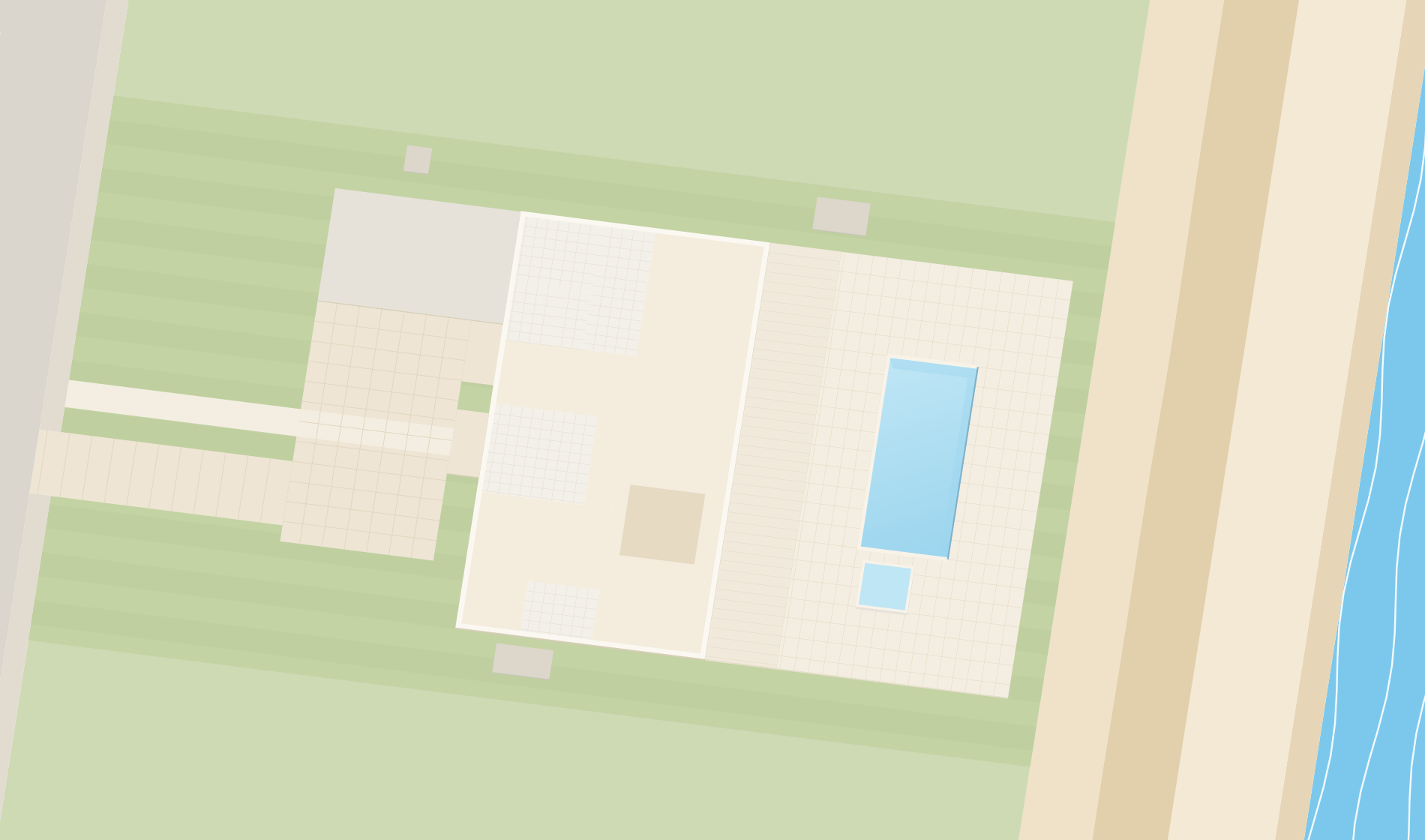
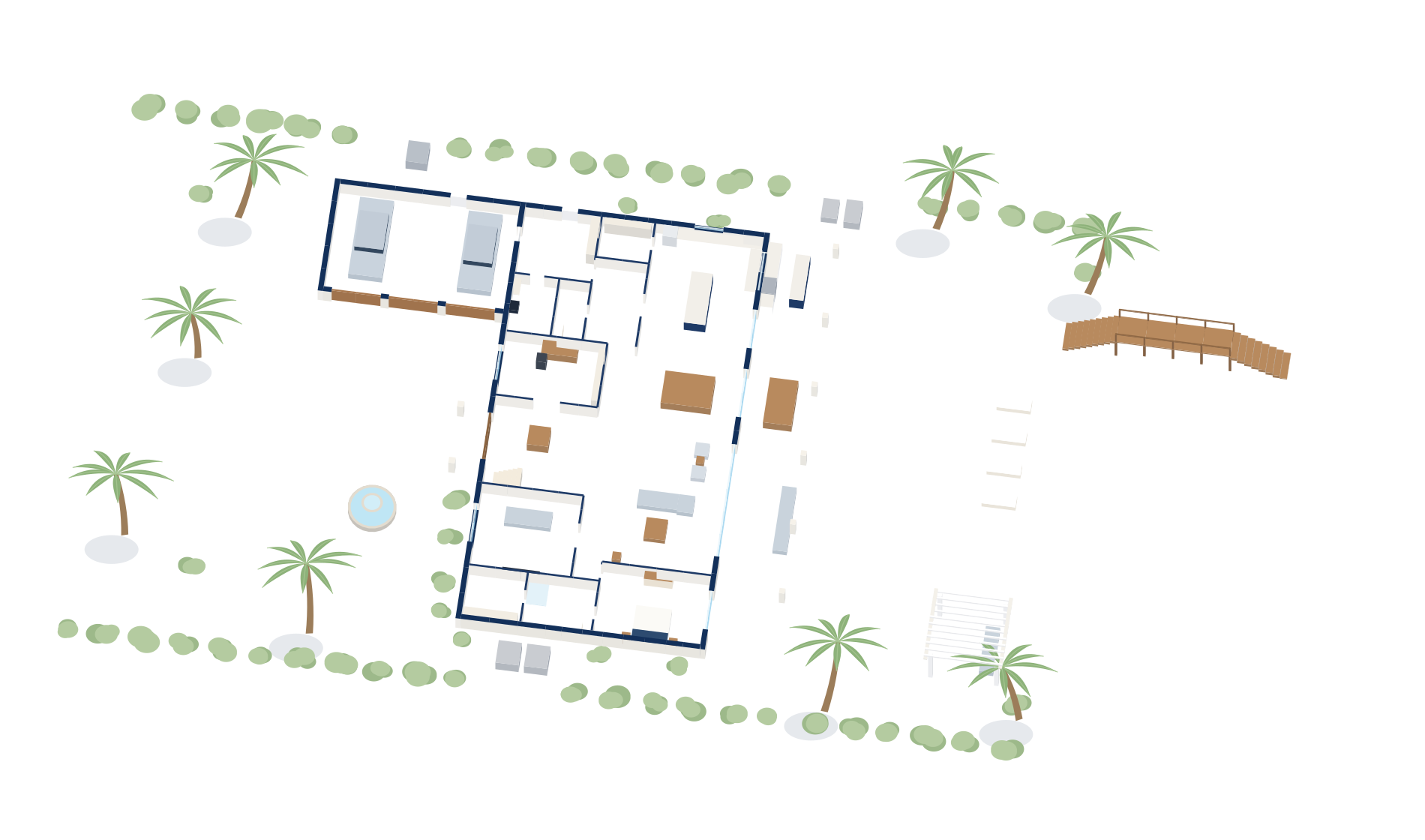
Both floors, roof off, each floor colored by its signal: green where it's strong, red where it dies. Most routers end up wherever the internet comes in, usually the garage. Flip the switch to see the same house set up the way I'd do it.
Want Wi-Fi like this in your house?
Book a visitDesign & Installation
It all starts in one small closet by the garage.
The internet line comes in here, and every cable in the walls comes back here. It's the first thing I plan, and the last thing you'll ever have to think about.
Inside: one clean rack.
No shelf of blinking boxes. Short, color-coded cables, every port labeled, and a rack UPS, a battery backup for the network, so the Wi-Fi stays up when the power goes out.
- Internet company's gatewayWhere the internet comes in: the coax line and the provider's gateway on a shelf.
- RouterThe router and firewall for the whole house.
- Patch panelEvery cable in the walls ends here, labeled by room.
- Patch cablesShort, color-coded cables from the panel to the switch.
- Two network switchesPower the access points and cameras over their cables.
- Rack UPSA battery backup for the network: keeps it up when the power goes out.
A cable to every access point and camera.
From the rack, runs go through the walls to every access point and camera downstairs and the one outside by the pool, and up a chase to the two upstairs. With its own cable, no access point has to share its speed over the air.
After-hours and emergency service is available at a premium rate.
Want a closet this clean?
Book a visitSecurity
Cameras you can see, recording to your own house.
A camera on the garage corner watches the motor court. Tap it to see its live view. Video records to a box in your house, and the cameras sit on their own network.
What each camera sees, and what it doesn't.
From above, each camera covers a wedge of ground that fades with distance: faces up close, then people, then just movement. The drive, the front door, the side yard and the pool are covered, and amber marks the blind spots, so you see the gaps before a camera goes up.
- Darkest blue, near a camera: close enough to make out faces.
- Middle blue: close enough to make out a person.
- Light blue, out to the camera's range: it picks up movement.
- Deeper blue: two cameras see the same ground.
- Amber hatch: a blind spot on the property, no camera sees it.
- Fine dashed line: the property line. Bold dashed arrows: the ways in, labelled on the map.
Want cameras you can count on?
Book a visitOutdoor Wi-Fi
The pool deck gets its own Wi-Fi, and the music follows you out.
Block walls stop Wi-Fi cold. An outdoor access point on the loggia covers the deck and the walkover, and weatherproof speakers in the planting play on the same system as the house.
Want Wi-Fi out by the pool?
Book a visitSmart Homes
Movie time is one button. Or one sentence.
Close the blinds, turn on the TV, or say “Hey, movie time” and the room does the rest: shades down, lights to 20%, TV and sound on. The wall switches still do what everyone expects.
Try it. The room in the picture answers.
Want one-button scenes at home?
Book a visitSunset
At sunset, the house takes care of itself.
The outside lights came on by themselves. At bedtime the doors lock and the cameras keep watch, and nobody had to open an app.
Want a house that looks after itself?
Book a visitTurtle-safe lighting
After dark, the beach side goes amber.
Sea turtles nest on these beaches from May through October. At night the lights facing the dune go low and amber, so hatchlings head for the moonlit water instead of the house. A camera on a pole watches the marked nest from a distance; nobody needs to go near it.
Want your house to feel like this?


Proof · a real house
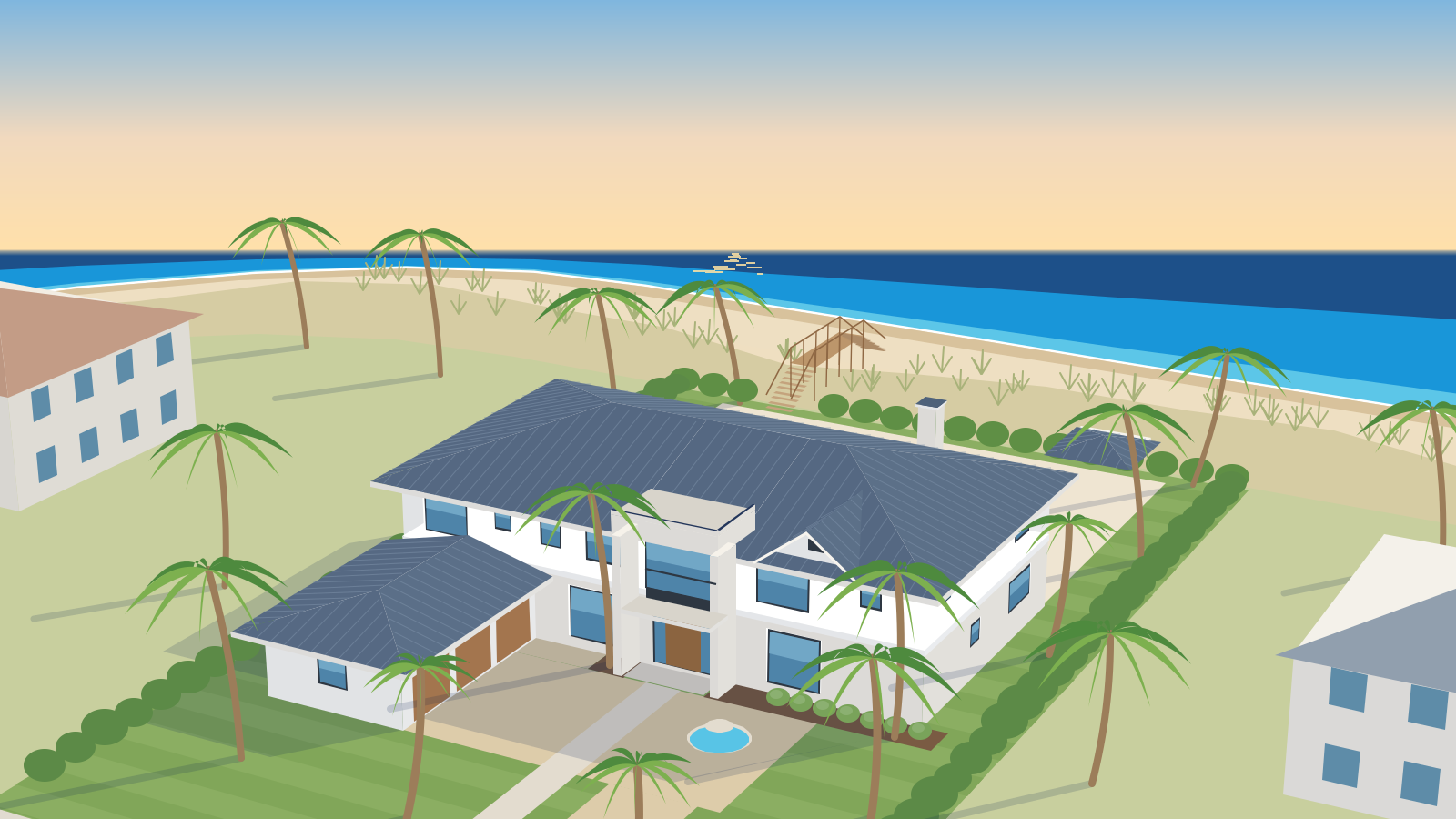
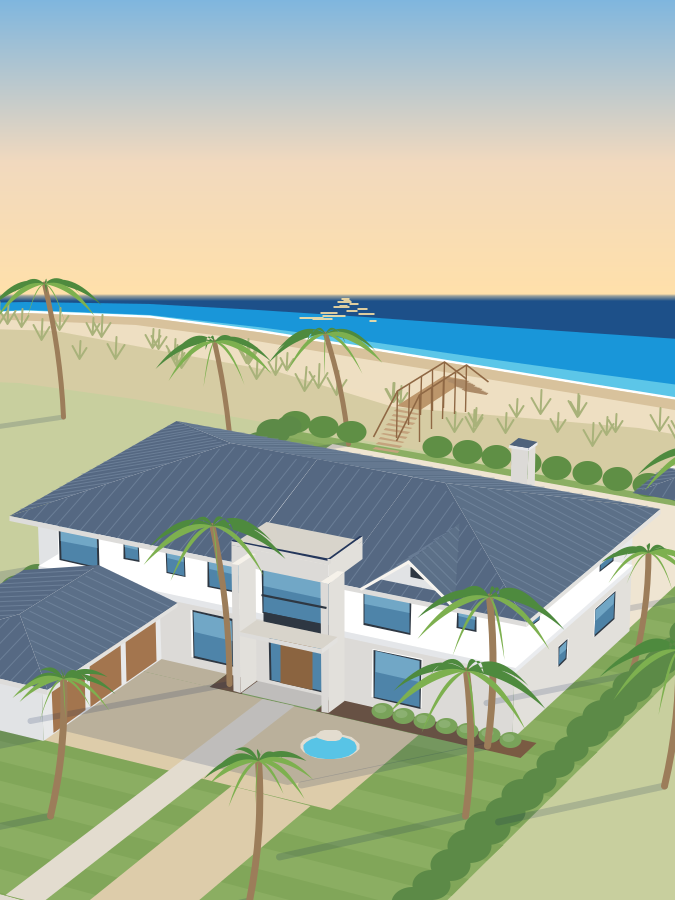
The house above is a model. This one isn't.
Real heatmaps from a real Nocatee-area home: one router in the front corner, then two access points planned on the floor plan.
- Before. One router in the corner. The back bedrooms and baths fell into yellow and red.
- The plan. Two access points, placed on the floor plan before anything was mounted.
- After. Green through nearly every room, with small yellow edges in a few corners.


Where to start
What's going on at home?
Pick the one that sounds like your house.
Wi-Fi drops on the lanai or upstairs
Dead zones, frozen calls, a pool deck with no signal.Networks & Wi-FiToo many apps, nothing works together
Lights, shades, climate and audio that act like one house.Smart HomesBuilding, renovating or pre-wiring
Cables, access points and one tidy closet, planned before the walls close.Design & InstallationSomething stopped working
A local number to call when the Wi-Fi, a camera or the smart home acts up.Support & Maintenance
How it works
Four steps, no surprises
You always know what the next step costs before you take it.
- 1
Free
Free 15-minute call
Tell me what’s going on. I’ll tell you honestly whether a visit makes sense.
- 2
$150, credited
On-site assessment
I walk the house, check where the signal and the setup fall short, and listen to how you use it. Credited toward your project.
- 3
Written plan
A clear plan and quote
You get a written plan with options, so you can pick what fits. No pressure.
- 4
Hand-off
Install, check and hand over
I install it, check the rooms that were bad before, and leave notes on what’s where.

Logan Mulligan
Owner and installer · Based in Nocatee, FL
SkillsUSA California State Champion, Information Technology Services (ITS)
- CompTIA A+
- CompTIA Network+
- Microsoft MS-102
- Microsoft MD-102
Meet Logan
The person who answers is the person who installs it.
I'm based in Nocatee and do the work myself: the walk-through, the cabling, the setup and the follow-up call. You talk to the installer, and you get notes on what’s where when the job is done.
More about meMy standards
What you can hold me to.
The commitments behind every job, from the first call to the hand-off.
Local, from Nocatee
Based in Nocatee, on-site across Ponte Vedra, Jacksonville and the beaches, and I do every job myself.
Where I workYour privacy stays yours
I don’t sell, trade or rent your information, and I’ll walk you through where your camera video is stored and who can see it.
Privacy policyClean, labeled installs
Planned on the floor plan before anything is mounted: one tidy, labeled closet, and notes on what’s where when the job is done.
See a real jobOnly what you need
I look at what you already own first, and only suggest replacing what’s actually holding things back.

Local to Northeast Florida
Local help from a base in Nocatee.
On-site across the towns below. Remote help anywhere.
- Nocatee
- Ponte Vedra
- Ponte Vedra Beach
- Jacksonville
- Jacksonville Beach
- Neptune Beach
- Atlantic Beach
- St. Johns County
Ponte Vedra Beach from above, the Atlantic on one side and the marsh on the other.
FAQ
Straight answers
What does it cost to get started?
Where do you work?
Do you offer after-hours or emergency help?
Is it just you?
Will I need to replace everything I have?
How does the first call work?
Free 15-minute call
Tell me what's going on.
Pick what fits, leave a name and an email, and I'll get back to you myself.
Reach me directly
This form needs JavaScript to send, so here are the ways that work without it.
info@sunnyshoresit.com(904) 240-4919
Ready when you are.
Tell me what’s going on at home. The first 15-minute call is free, and I’ll tell you honestly whether you need a visit.
Or step inside the house first