

Security
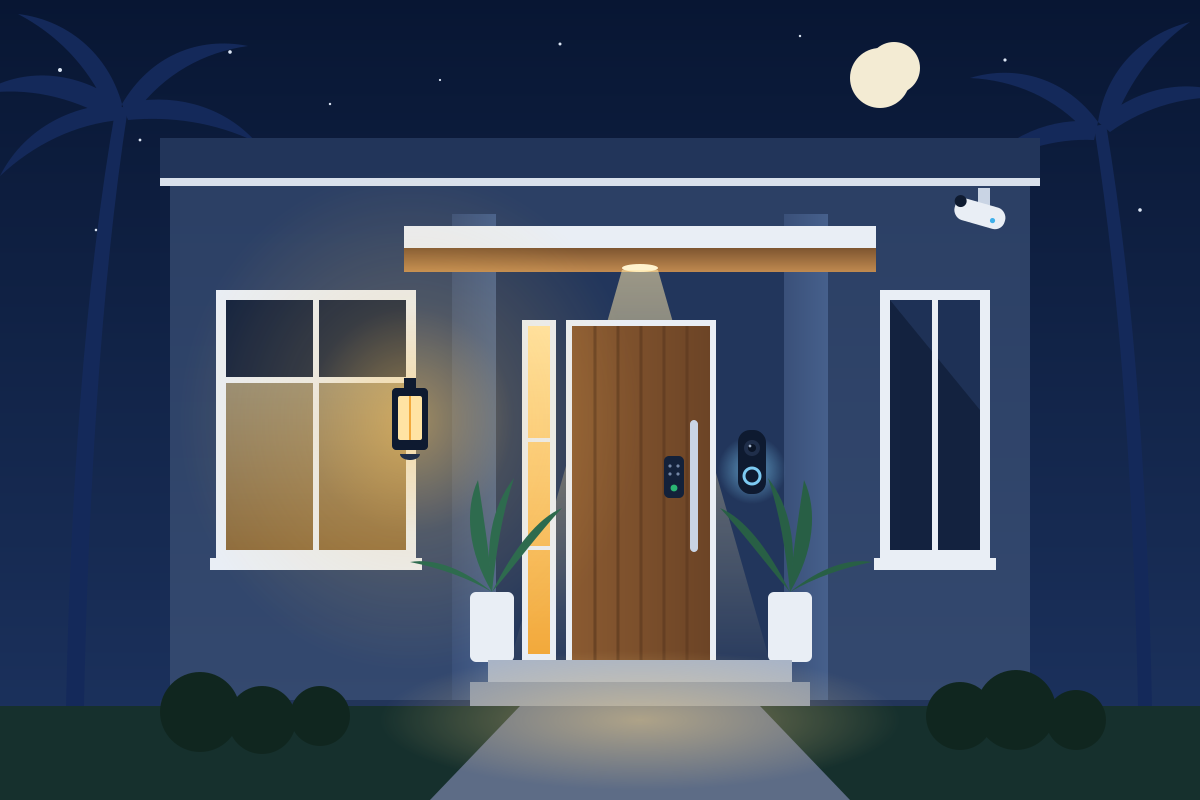
See who’s at the door before they knock.
A doorbell and cameras that stay online, a porch light that knows when it’s dark, and a home network set up so one cheap gadget can’t see everything else.
- Free 15-minute call
- $150 visit, credited
Free 15-minute call · On-site assessment $150, credited toward your project.
Sound familiar?
What usually goes wrong
- 01
The spinning doorbell
Motion at the front door, and the app just spins. Battery doorbells on weak Wi-Fi often miss the moment.
- 02
Cameras that drop off
The camera by the pool goes offline whenever the Wi-Fi out there gets busy.
- 03
Everything on one network
The smart plug, the kids’ tablets and the work laptop all share one Wi-Fi with the same password.
- 04
Old passwords everywhere
The router still has the password printed on the sticker, and so does half the house.
9:10 PM · Try it
Try the porch light rule
Try it at 9:10 PM, then try it at 2 PM. A good automation knows when not to do anything.
Spend the whole day in the houseWho's at the door?
The approach
How I approach home security
- Step 1
Cameras that matter
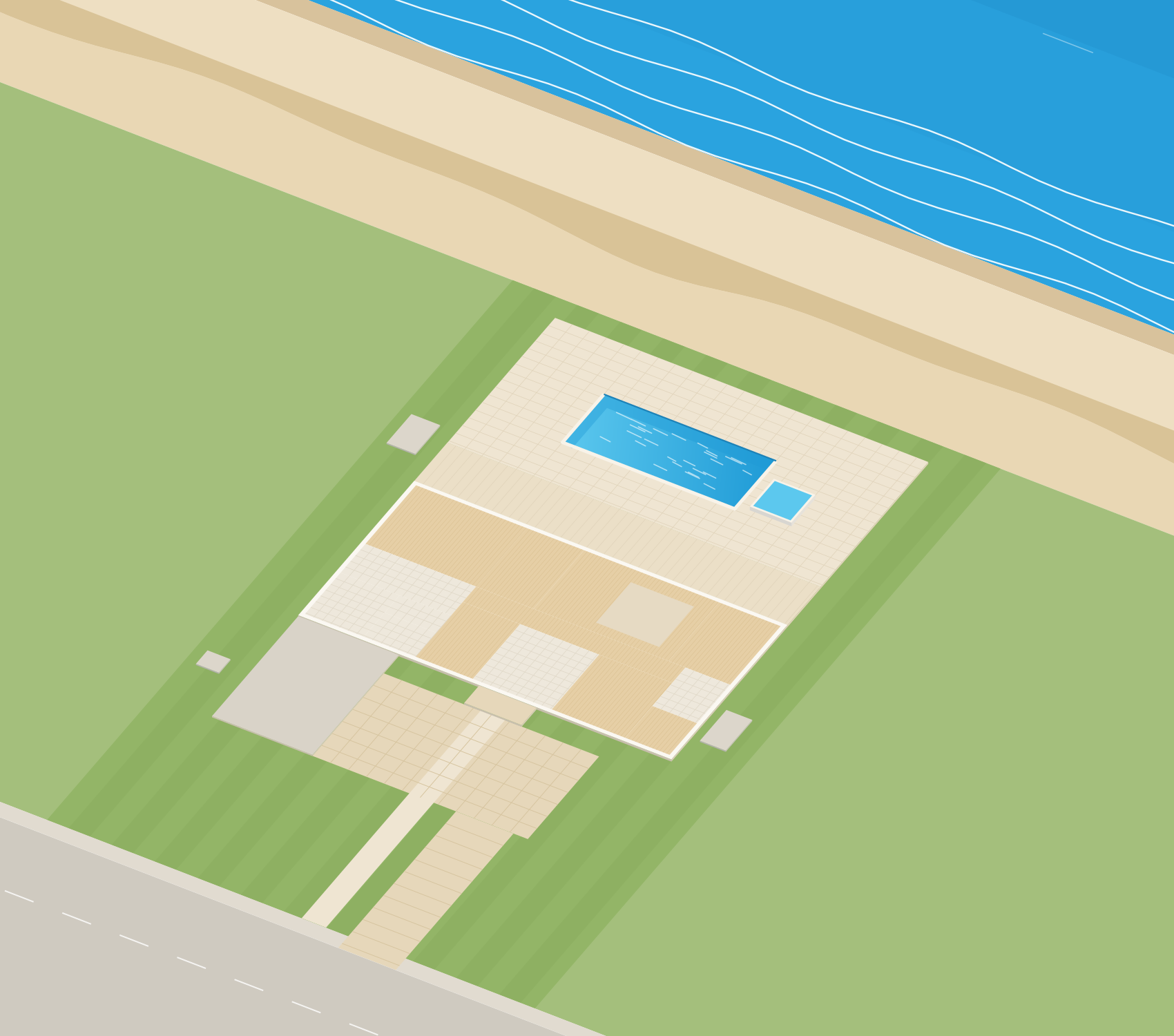
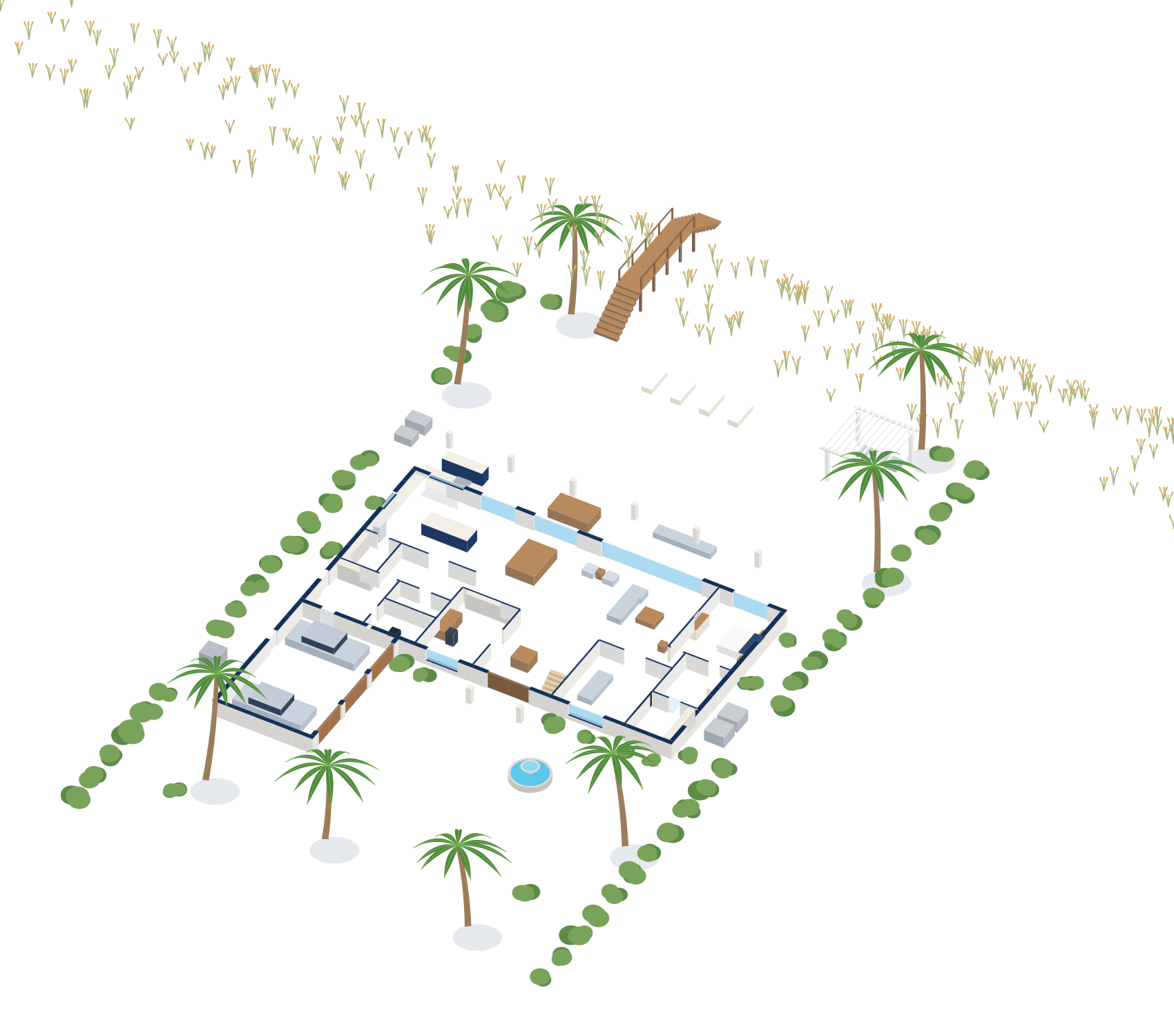
Front door, driveway and the back gate first, on the strongest connection the house can give them.
- Step 2
Recordings you control
I’ll walk you through where your video is stored and who can see it, and set it up the way you’re comfortable with.
- Step 3
Gadgets on their own network
Smart gadgets and guests can live on their own Wi-Fi, apart from the computers and phones you care about.
- Step 4
Accounts and passwords
A clean-up of router, camera and family accounts, with two-step sign-in where it counts.
What you get
- A doorbell and cameras that stay connected
- Lights and alerts that react to the time of day
- A home network that keeps gadgets and guests apart from your computers
- Fresh passwords and a simple record of what’s where
Pricing
On-site assessment
$150
Credited toward your project.
The first 15-minute call is free. Projects are quoted in writing before any work starts.
Questions
Straight answers
Do you install cameras and doorbells?
Is a separate network for smart gadgets worth it?
What does a visit cost?
The other four
- Networks & Wi-FiWi-Fi designed around your floor plan, from the office to the pool.
- Smart HomesLighting, climate, audio and cameras that work together.
- Design & InstallationPlanned, cabled and installed cleanly, with documentation.
- Support & MaintenanceA local technician to call when something stops working.

Let’s get the front door covered.
Tell me what’s going on. The first 15-minute call is free, and I’ll tell you honestly whether a visit makes sense.