What to do when your home internet goes out
Learn how cellular 5G backup can keep your smart home, security cameras, and remote work connection online when your primary internet fails.
SkillsUSA California State Champion, Information Technology Services (ITS)
6 min read
On this page
You are sitting on your lanai or working in your home office when the connection simply vanishes. Maybe you are in the middle of an important video call or you are finally settling in to watch a movie, and the screen just freezes. Most people do not think about how unreliable their internet is until the moment it stops working.
It is a frustrating experience, but there is a way to prevent that total blackout. An automatic backup connection can sit quietly in your network, waiting for a failure. When your primary fiber or cable line goes down, a cellular 5G connection can kick in immediately without you having to touch a single setting. It acts as a safety net, using local cellular towers to keep your essential devices online while you wait for your main provider to fix the issue.
Why a secondary connection matters
Most homeowners do not have a backup internet connection because, frankly, it is usually not practical. If your primary connection comes from a cable or fiber provider, adding a second fixed-line provider is often expensive and complicated. You would likely have to deal with a second monthly bill, a second technician coming to your house to run more wires, and potentially even more construction through your walls or crawlspaces. For many people, the cost and hassle of a second wired line just do not make sense.
This is why cellular backup is a more realistic middle ground. Instead of digging new trenches or running more cables, you are using the cellular towers that are already near your house. It is generally more affordable and much easier to implement into an existing network.
There is also a big difference between a dedicated backup system and the manual workaround most people use. When the internet goes out, you might try to turn on a mobile hotspot on your phone and tether your laptop to it. While that works for one computer, it does not help your smart home. Your security cameras, smart locks, and thermostat will all go offline. A dedicated system like a 5G backup handles the switch automatically. It keeps your entire network running so your devices stay connected without you having to manually reconfigure every single gadget in your home.
How 5G cellular backup works
How 5G cellular backup works
The UniFi Backup 5G is a piece of hardware designed to sit directly in your network path. It acts as a bridge between your primary internet source and your local devices. Its main job is to monitor the health of your connection. The system constantly checks to see if data is actually flowing through your main fiber or cable line. If it detects that the connection has dropped or is no longer responding, it triggers the backup.
The connection itself relies on an eSIM. An eSIM is a digital version of the physical SIM card you put in a smartphone. Instead of swapping plastic cards, we can program the hardware to connect to specific cellular providers. This allows the device to reach out to local 5G or LTE towers to pull in an internet signal.
To understand how this works in practice, imagine a typical two-story house where the main internet line is accidentally cut during local utility work. Usually, your smart cameras would stop recording and your security system might lose its connection to the cloud. With a 5G backup in place, the UniFi hardware notices the failure almost instantly. It switches the data flow from the dead wired line to the cellular signal provided by the eSIM. Your devices do not know the primary line is gone; they simply see that the internet is still available. This keeps your security, thermostats, and basic connectivity running until the main service is restored.
Finding the right signal for your area
Finding the right signal for your area
Choosing a cellular backup is not as simple as picking a provider based on which one you use for your phone. Cellular coverage is highly localized. A carrier that provides excellent service in one neighborhood might have a dead zone just a few streets away. This is why I do not recommend picking a provider based on reputation alone.
Instead, I use national signal databases to look at the actual coverage maps for your specific address. These tools help identify which carrier has the strongest 5G or LTE footprint in your part of Northeast Florida. However, even a map can be misleading because it cannot account for the specific construction of your home.
In many homes around St. Johns County or the Jacksonville beaches, the physical structure of the house is a major factor. If your router is tucked away behind thick block walls or behind coated hurricane glass, those materials can significantly weaken the cellular signal reaching the device. These barriers are great for security and weather protection, but they are notoriously difficult for radio waves to penetrate.
Because of this, testing is a critical step. Before committing to a specific eSIM or a monthly data plan, we need to know how much signal actually makes it inside your house. We want to ensure that the cellular strength is high enough to handle your essential devices before you start paying for a service that might struggle to reach your network.
Same rooms dropping out? I can walk your house with a meter and show you why.
Book a visitIs it worth it for you?
Is it worth it for you?
Whether a 5G backup makes sense depends entirely on what happens in your house when the lights stay on but the internet goes dark.
It is usually worth the investment if you fall into one of these categories:
- Remote workers: If a dropped connection means a missed meeting or a lost day of productivity, the cost of a backup is essentially an insurance policy.
- Small business owners: If your point-of-sale system or credit card processing relies on the internet, you cannot afford to stop taking payments.
- Security-focused homes: If you rely heavily on cloud-connected cameras, smart locks, or alarm systems, a backup ensures your home stays protected even during a service outage.
It is probably not worth it for casual users. If your internet is mostly for streaming movies or browsing the web, and you do not mind waiting a few hours for a technician to fix a cable issue, you can likely skip this extra layer of complexity and cost.
There are always trade-offs. A cellular backup is meant to keep essential things running, not to replace your high-speed fiber for heavy gaming or large file transfers. You are trading some speed and adding a monthly data cost for the peace of mind that comes with reliability.
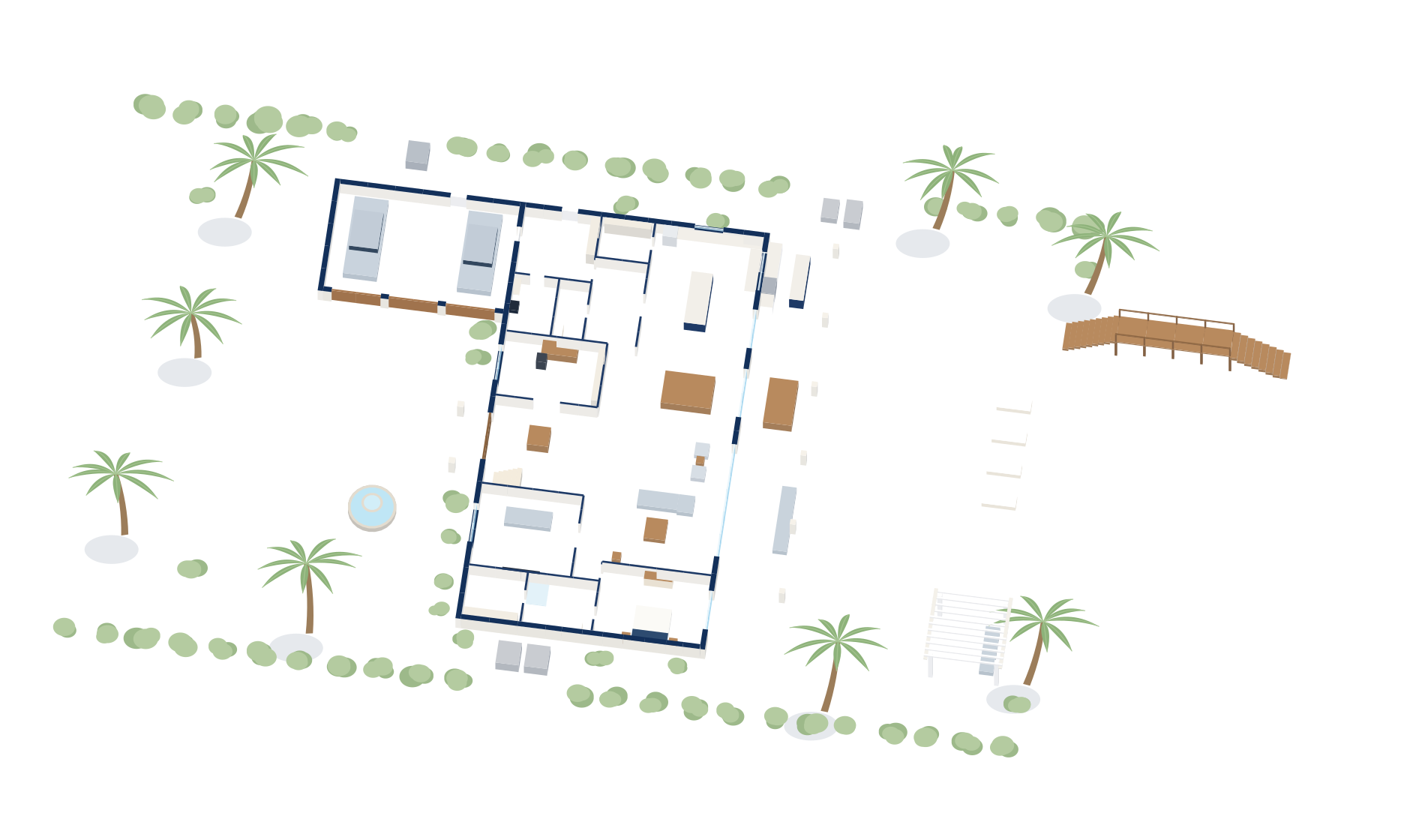
If you want to know if your specific house can actually catch a good signal, I can help. We can look at your floor plan and your local coverage maps to see if it is a practical move for your setup.
Illustrative example
- High speed for streaming
- No extra monthly cost
- Connection lost during outages
- Keeps essential devices online
- Protects security and payments
- Adds monthly data cost
Common questions
Will my smart home cameras still work if the internet goes out?
If you have a dedicated cellular backup system in place, your cameras will stay connected to the cloud. Without a backup, they will likely stop recording or sending alerts until your service returns.
Can I use my existing router for a 5G backup?
It depends on your specific hardware. Most standard consumer routers do not have built-in cellular failover, so you usually need a specific piece of hardware like the UniFi Backup 5G to bridge the connection.
Is 5G fast enough to stream video while my main internet is down?
It depends on your signal strength and the data plan you choose. While 5G can handle basic streaming, a backup connection is primarily intended for essential tasks rather than high-bandwidth activities.
Do I have to pay for a second monthly internet bill?
Yes, a cellular backup requires a data plan from a cellular provider. This is typically much less expensive than paying for a second fixed-line provider like cable or fiber.